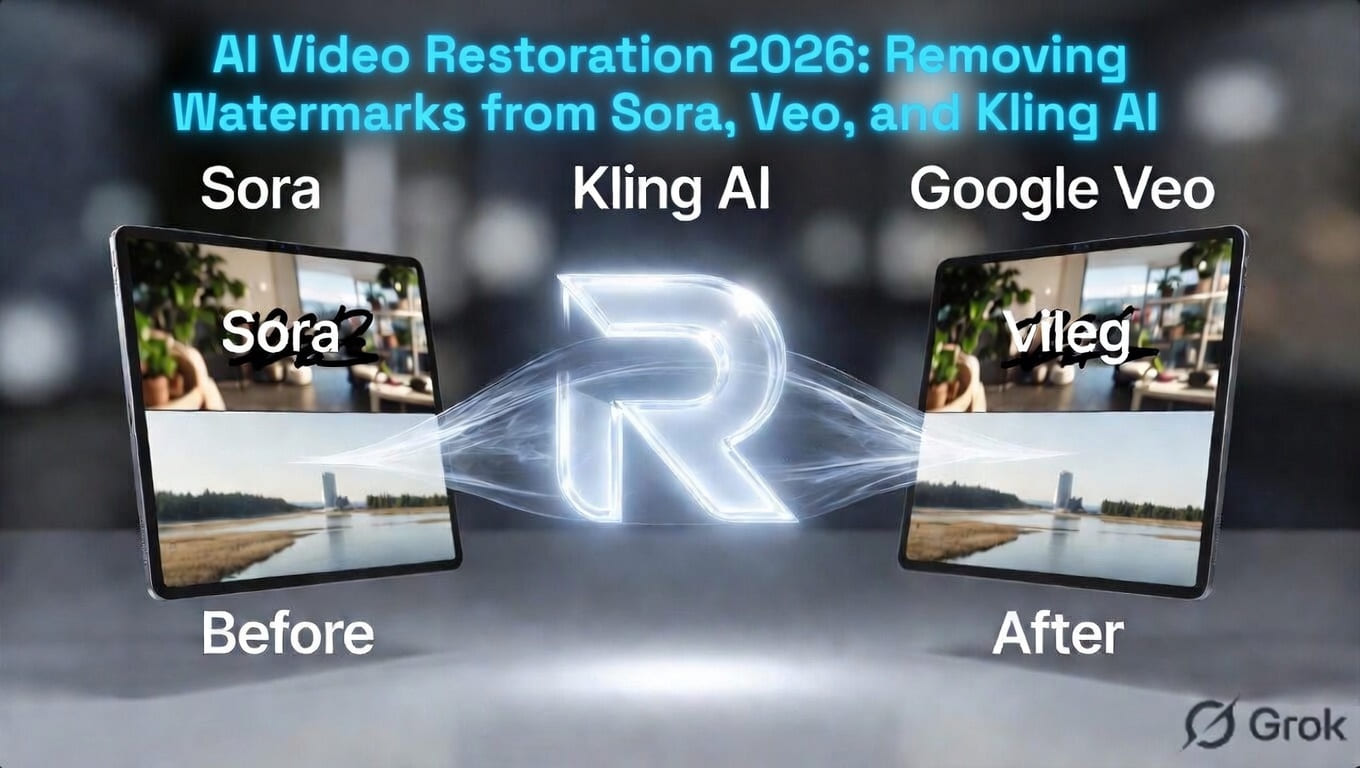
Introduction: The Cinematic Revolution
In early 2026, the boundary between “Filmed” and “Generated” content has officially vanished. With the release of OpenAI Sora 2 Pro and Google Veo 3.1, anyone can create a 60-second cinematic sequence that looks like a multi-million dollar Hollywood production.
However, these powerful video engines come with a significant “Digital Signature.” Whether it’s a visible corner logo or an embedded watermark, these marks can interrupt the immersive experience of a short film, a brand advertisement, or a music video. In this guide, we explore the cutting-edge field of AI Video Restoration and how ReachBrick AI is preparing for the multimodal future.
1. The Challenge of “Temporal Consistency”
Removing a watermark from a static image is one thing; removing it from a moving video is a completely different beast.
- The Problem: In a video, the background behind the watermark is constantly changing. If a character walks behind the logo, the restoration tool must “guess” the character’s movement across 24 frames per second.
- The Solution: Modern tools use Spatio-Temporal Inpainting. This technology doesn’t just look at one frame; it looks at the frames before and after to mathematically reconstruct the hidden pixels with 100% accuracy.
2. Sora 2 vs. Veo 3.1: Different Watermarks, Different Tech
As we discussed in our , each company has a unique branding style for video:
OpenAI Sora 2 Pro
Sora often uses a subtle, translucent watermark. Because Sora’s physics engine is so advanced, the watermark sometimes “overlaps” complex textures like water or smoke.
- ReachBrick Tip: Sora videos require Deep Flow Analysis to ensure that the restoration doesn’t “jitter” or “flicker” during playback.
Google Veo 3.1
Google focuses on SynthID—an imperceptible watermark that is embedded directly into the video’s pixels. While you might not see a “logo,” the video is still “tagged.”
- The Goal: For creators, the goal is Visual Cleanliness. ReachBrick focuses on ensuring the video looks “Bespoke” and “Studio-made” by removing any visible UI elements or platform tags.
3. The Professional AI Filmmaking Workflow (2026)
If you are producing an AI short film, follow this high-end pipeline:
- Generate: Create your raw clips using Sora, Veo, or Kling AI.
- Restore (The ReachBrick Step): Use ReachBrick AI Video (Beta) to clean any visible corner watermarks or glitchy artifacts. This provides a “Clean Plate” for your editor.
- Upscale: Use a video upscaler to reach 4K resolution.
- Color Grade: Apply a consistent LUT (Look-Up Table) to make all AI clips look like they were shot on the same camera.
4. Legal Compliance and C2PA for Video
As of 2026, major streaming platforms (like Netflix and YouTube) strictly mandate C2PA integration.
- Important: Even if you remove the visual watermark on ReachBrick for aesthetic reasons, the internal Content Credentials should stay intact if you are publishing for news or documentaries.
- ReachBrick’s Philosophy: We believe in Aesthetic Freedom. We give you the “Brick-solid” tools to make your video look perfect, while encouraging the responsible use of AI metadata for transparency.
5. The Future: Real-Time In-Browser Video Cleaning
By late 2026, ReachBrick is aiming to bring the same WebAssembly (WASM) speed to video. Imagine dragging a 10-second Sora clip into your browser and having it cleaned in real-time without ever hitting a server. This is the future of “Privacy-First” filmmaking.
Conclusion: Reaching the Silver Screen
The era of the “AI Co-Director” is here. Don’t let a corner logo distract your audience from your storytelling. With the precision of ReachBrick AI, you can transform “Generated Clips” into “Cinematic Masterpieces.” Your vision is limitless; your pixels should be too.